top of page

Giving
QR Codes & Reports
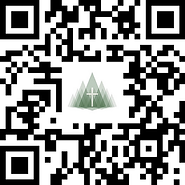
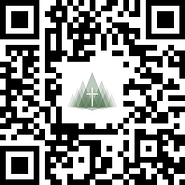
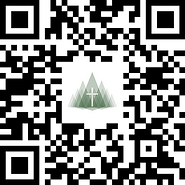
Giving QR Codes
-
To save/use the QR code for events/documents, right click on the QR Code to save the image, or, you can click on the QR code and right click to save the image.
-
To view the QR Code in a bigger size, click on the QR code.
-
To get to the form, click the corresponding name that is under the image of the QR Code. This will open the form in a new tab. When scanned by a mobile device the QR Code will open the associated giving form.




bottom of page